
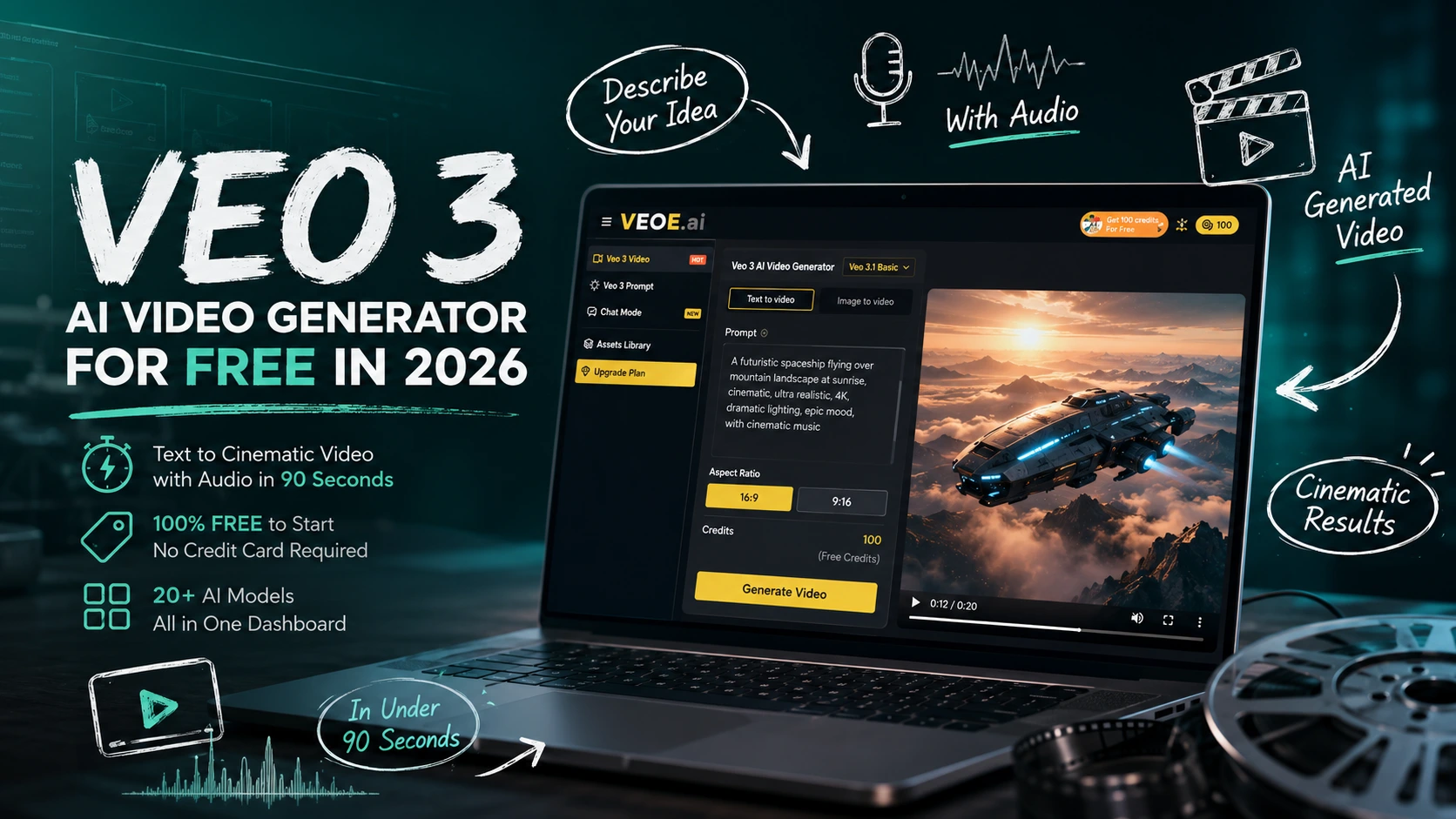

Short-form video now drives more engagement than any other content format — yet most creators still spend hours in editing software just to produce a single clip.
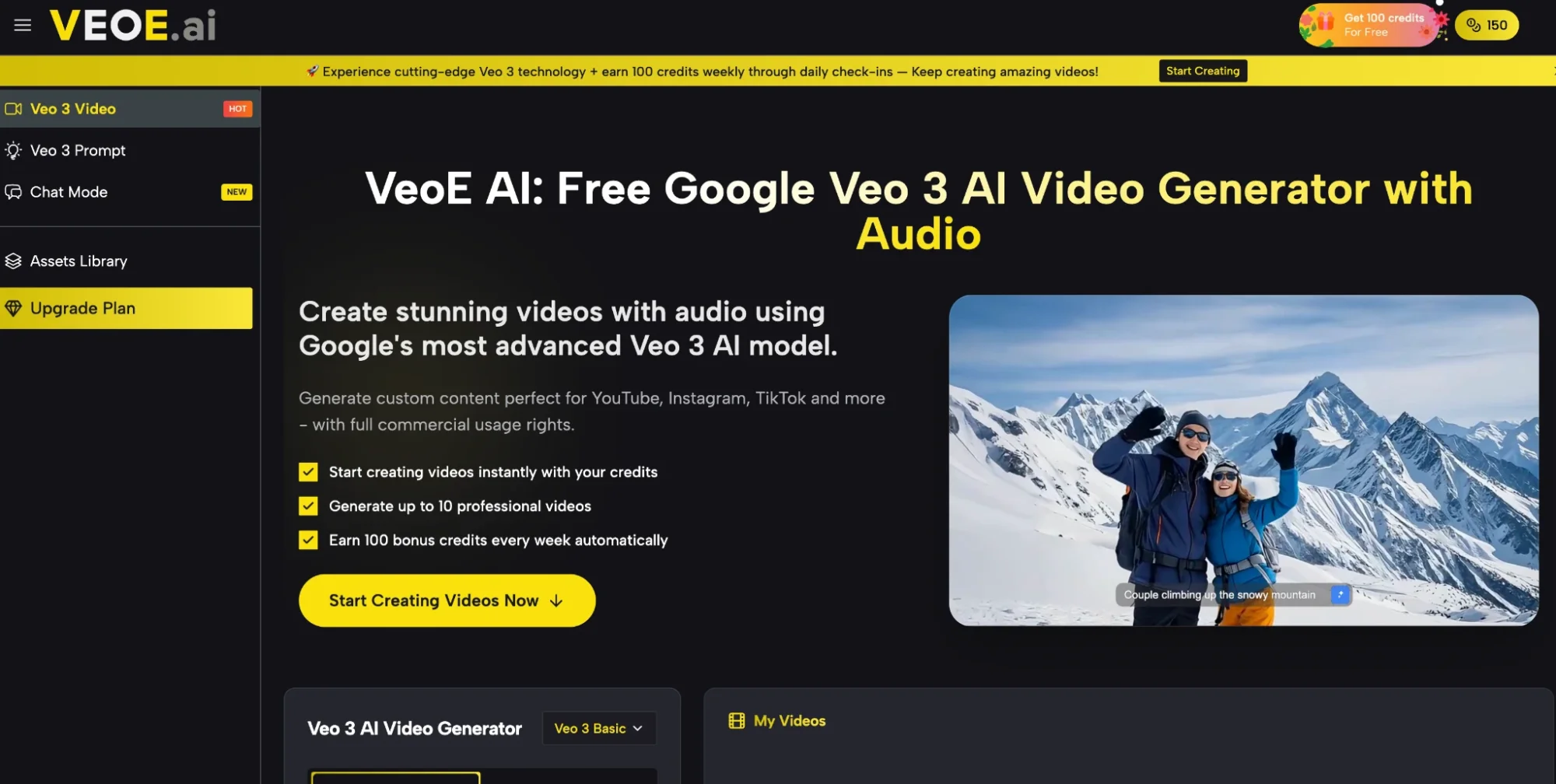
Veo 3, Google’s most advanced AI video model, has fundamentally changed that equation: describe your idea in plain text, and get a cinematic video with synchronized audio in under 90 seconds. VeoE AI is the free platform that puts this technology directly in your browser, with no software to install and no credit card required.
Baca juga: Artificial Intelligence (AI) dan Algoritma Digital: Gerbang Baru Akuisisi Pelanggan UMKM
The Real Problems of Using AI Video Generator
1. Content Demands Are Outpacing Production Capacity
Social media algorithms reward consistency. YouTube, TikTok, and Instagram all favor accounts that publish frequently — but traditional video production simply isn’t fast enough to keep up. Shooting, editing, color grading, and audio mixing a single 60-second clip can take an entire day.
2. The bottleneck isn’t creativity — it’s production time.
Professional Tools Are Too Expensive and Too Complex
Adobe Premiere, Final Cut Pro, and professional voiceover software require months of training and thousands of dollars in software or agency fees. For solo creators, small businesses, and educators, that barrier is often enough to stop them from even starting.
3. AI Tools Produce Silent, Low-Quality Clips
Many early AI video generators solve the speed problem but introduce new ones: silent clips that need post-production audio, watermarked exports, a single locked model with no flexibility, and results that look obviously artificial. That’s exactly the gap VeoE AI was built to fill.
Key Features of VeoE Veo 3
Veo 3 powers the platform’s engine — but what surrounds it is what makes VeoE AI genuinely different. Below is a detailed look at every major feature, what it does, and why it matters.
20+ AI Models in One Dashboard
Most AI video platforms lock you into a single model. VeoE AI gives you access to Google Veo 3, Veo 3.1, ByteDance Seedance 2, Kling 3.0, Wan 2.6, Runway Gen-4 Turbo, and 14+ more — all from one interface without switching platforms.
Each model has a distinct strength. Need 4K cinematic quality with native audio? Use Veo 3 Premium. Need a fast 480p draft in under 15 seconds? Switch to Seedance 2 Fast. Need fluid realistic motion for a branded character? Try Kling 3.0. The right tool for every job is always one click away.
Creating Videos Through Natural Conversation
The Chat Mode is the most distinctive feature on the platform. Instead of crafting a technical prompt manually, you simply describe your idea in everyday language — and an AI Video Agent handles the planning, structuring, and generation for you.
Here’s what makes it different from a standard prompt box:
- Intelligent project planning: You describe your video brief and the agent breaks it into a structured generation plan, showing you exactly what it will do before it executes. You retain full control before any credits are spent.
- Context-aware memory: The agent remembers your earlier messages. When you ask for adjustments — “make the pacing faster” or “change the background to night” — it updates the video in context, without requiring you to re-explain the whole project.
- Iterative refinement by conversation: After generation, simply tell the agent what to change. It refines the output through dialogue, making the workflow feel more like directing a team than operating a tool.
- Six ready-made video templates to get started instantly, including: Animate Image (bring still photos to life), Short Film (multi-scene story from a single idea), AI Hug (animate two characters hugging from a photo), Avatar Video (lifelike character animation), ASMR Video, and Fight Scene (upload photos and watch them battle)
Who this is for: Anyone who finds prompt engineering intimidating, teams who need to prototype video concepts quickly through a briefing-style workflow, and professionals who want a creative process that resembles directing rather than typing.
Proven Prompts with Real Video Previews
The Veo 3 Prompt Hub solves a problem almost every AI video user faces: not knowing how to write a prompt that actually produces great results.
The library currently contains 49+ professionally crafted prompts, each paired with a real video output so you can see exactly what you’ll get before using it.
Two ways to use any prompt:
- Click “Use It” — the prompt loads directly into your generator, ready to run in one click
- Click “Copy It” — paste into any editor or workflow
Built-in AI Prompt Generator: If you have an idea but aren’t sure how to phrase it, the Prompt Hub includes an AI tool that converts your plain-language description into a fully structured, model-optimized Veo 3 prompt — complete with camera angles, lighting conditions, mood, and audio cues. You get 3 free generations per day.
This feature matters most for beginners who want to understand what Veo 3 is truly capable of, and for experienced users who want to study effective prompt structures to accelerate their own writing.
Free Credits System — Sustainable Long-Term Access
VeoE AI’s credit system is built for ongoing free use, not just a one-time trial:
- 100 credits on the first login — enough for 4–5 video generations using Veo 3.1 Basic (20 credits each)
- 100 credits every week earned automatically through daily check-ins, replenishing your supply indefinitely
- Free plan access to all major models including Veo 3, Veo 3.1, Seedance 2, Kling 3.0, Wan 2.6, and Runway Gen-4
Paid plans start at $8.3/month (billed annually) for 2,400 yearly credits, scaling to 48,000 credits/year on the Pro tier — adding HD watermark-free downloads, faster generation, private mode, and an ad-free experience.
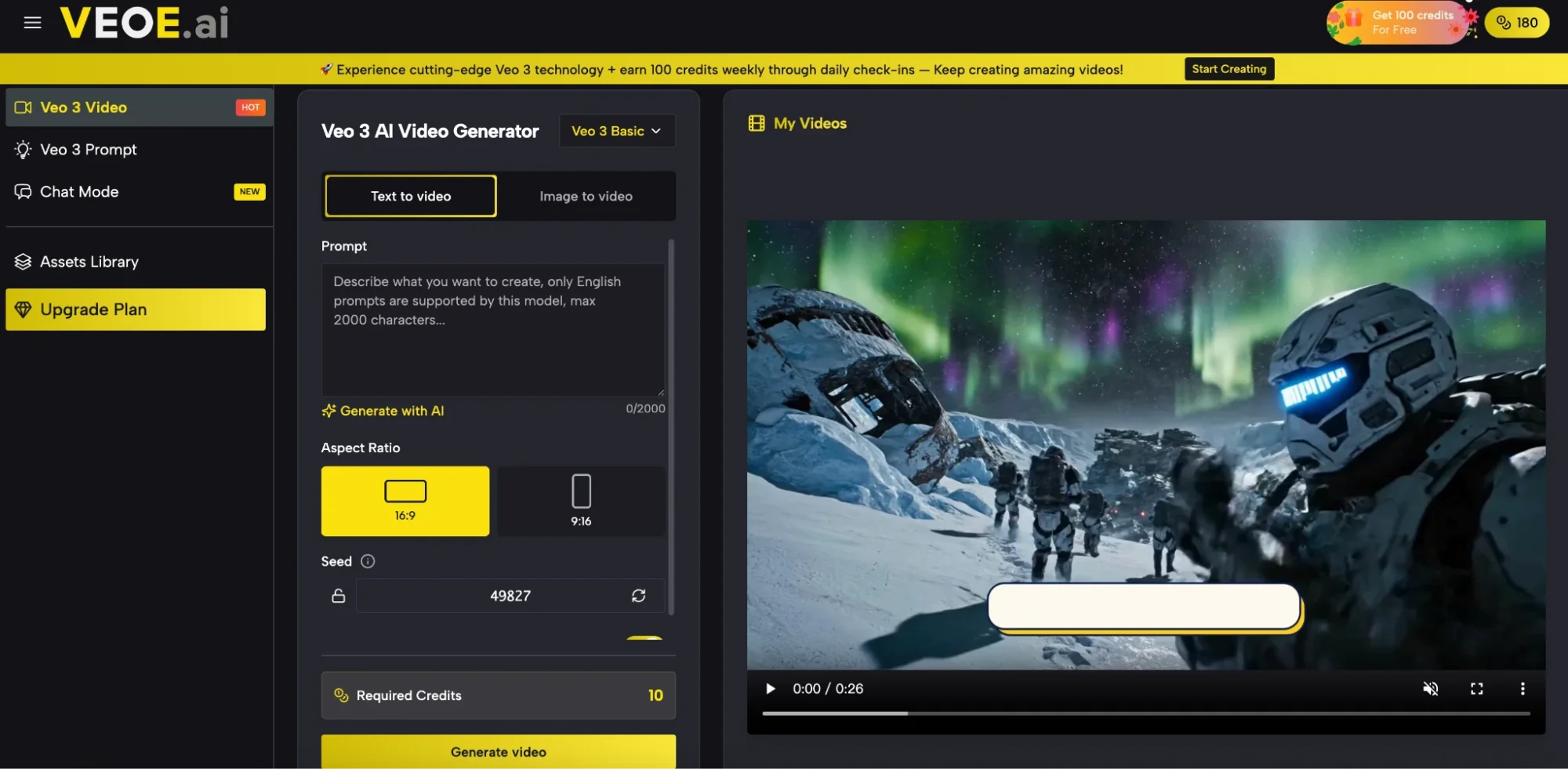
How to Create Your First Video on VeoE Veo 3
- Visit veoe.ai and sign in to claim your 100 free credits
- Select a model from the dropdown — “Veo 3.1 Basic” is a strong starting point
- Type a detailed description — include your subject, camera movement, lighting, and style
- Choose your aspect ratio: 16:9 for YouTube or presentations, 9:16 for TikTok and Reels
- Click Generate Video and wait 15–90 seconds for your finished clip
VeoE AI vs. Other AI Video Platforms
| Platform | Core Model | Native Audio | Free Plan | Prompt Hub | Assets Library | Chat Mode |
| VeoE AI | Veo 3 + 20 models | Yes | 100 credits | 49+ prompts | Yes | Yes |
| Runway ML | Gen-4 | No | Limited | No | No | No |
| Pika Labs | Pika 2.0 | Partial | Limited | No | No | No |
| Kling AI | Kling 3.0 | No | Limited | No | No | No |
| Sora (OpenAI) | Sora | No | Paid only | No | No | No |
VeoE AI is the only platform that combines Google’s Veo 3 model, native audio, multi-model flexibility, a curated prompt library, a persistent asset archive, and a conversational video agent — all accessible from a single free browser-based interface.
Start Creating Today
VeoE AI isn’t just a video generator — it’s a complete creative system. The Prompt Hub gets you started with proven templates. Chat Mode lets you direct like a filmmaker without writing a single technical prompt. The Assets Library turns every output into reusable creative material. And Veo 3 delivers the cinematic quality that makes it all worth sharing.
If you’ve been waiting for an AI video tool that actually fits into a real creative workflow — this is it.
Visit veoe.ai, claim your 100 free credits, and generate your first video today.

⚡ Baca Lebih Cepat Artikel MMI di Ponsel Anda!
Ikuti Channel WhatsApp
Media Mahasiswa Indonesia (MMI):
KLIK DI SINI












Saya baru aja coba bikin video pake Veo 3 lewat VeoE, dan benar-benar kaget sama hasilnya—apa yang disebut “video berdurasi 90 detik dengan audio sinkron langsung dari teks” itu beneran mungkin. Selama ini saya kesulitan nyari voiceover yang natural untuk konten pendek, tapi kayaknya satu-satunya yang ngejalanin ini nih. Ceritanya, ini jadi solusi buat tim kreatif kecil kayak kita yang gak punya budget buat studio besar. Setelah main-main bareng beberapa model di dashboard, kayaknya kombinasi Veo 3 + Runway Gen-4 Turbo emang paling konsisten buat konten pendek, apalagi dengan referensi dari AI Ad Creatives—mereka juga bilang soal efisiensi output tanpa ribet. Is not just hype.