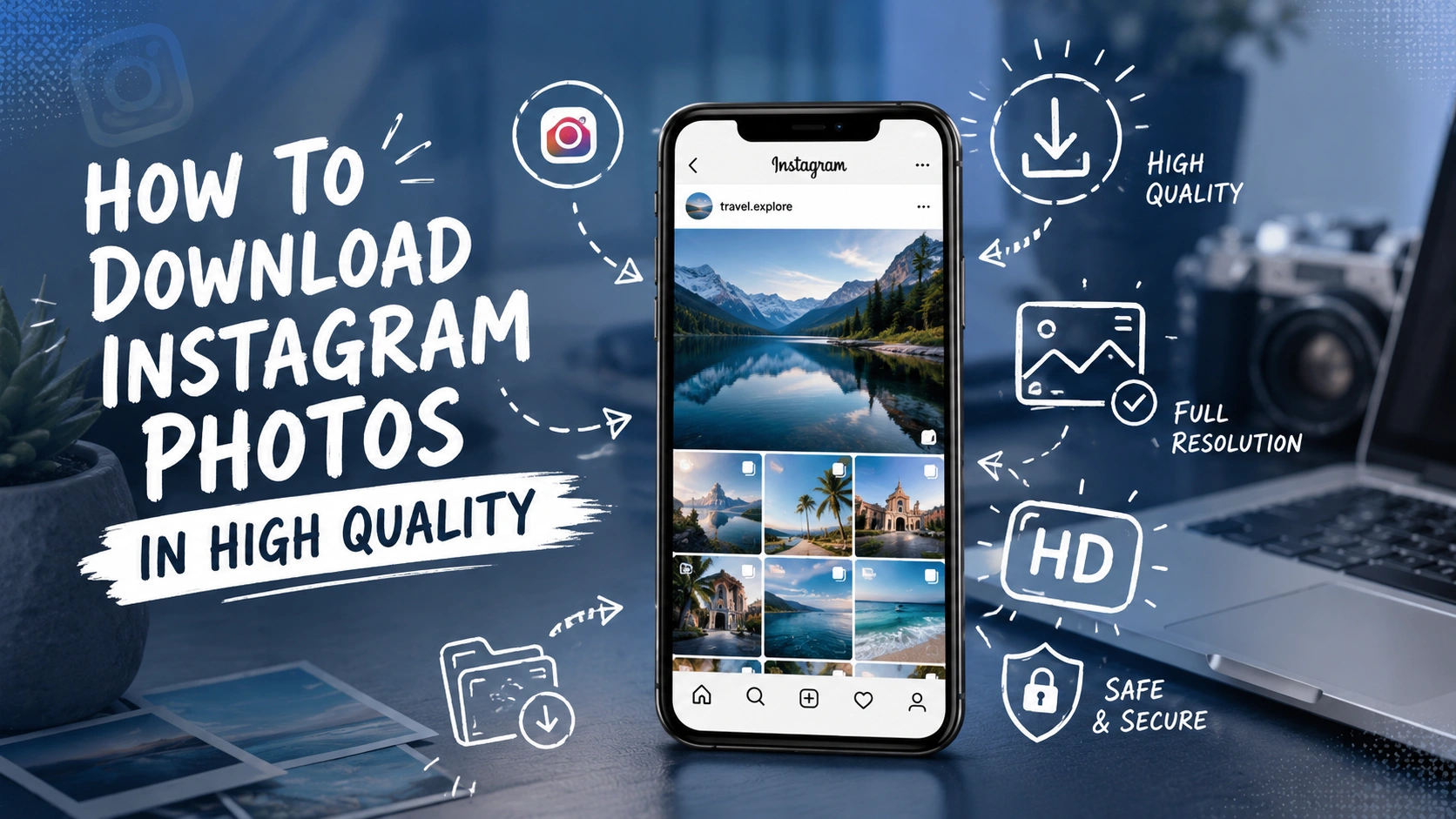

Ever spotted a stunning photo on Instagram and wanted to save it to your phone, only to end up with a blurry, pixelated mess? You are not alone. Instagram was built for scrolling and sharing, not exactly for saving. That’s why so many people search for a reliable way to download foto Instagram content without sacrificing sharpness or detail.
Whether you’re a content creator collecting inspiration, a small business owner archiving your own posts, or just someone who wants to keep a favorite picture forever, this guide walks you through everything you need to know.
Why Saving Instagram Photos Isn’t as Simple as It Looks
Instagram doesn’t offer a built-in “save to device” button for photos posted by other accounts. That’s intentional. The platform wants people to stay inside the app rather than hop between screenshots and galleries.
Screenshotting seems like the obvious workaround, but it comes with real downsides:
- Screenshots capture your entire screen, not just the image
- Resolution drops significantly compared to the original upload
- You often end up cropping out important details
- Colors and sharpness can look noticeably different
If you care about image quality even a little, screenshots simply won’t cut it. This is where a dedicated tool becomes genuinely useful.
What to Look for Before You Download Foto Instagram Content
Not every downloader tool is created equal. Some compress files aggressively, some are riddled with pop-up ads, and others just don’t work half the time. Before you commit to a method, keep these factors in mind.
1. Image Quality and Resolution
The whole point of saving a photo is to keep it looking good. A trustworthy tool should pull the original file directly from Instagram’s servers rather than generating a compressed copy. Always check whether the output matches the resolution of the source post.
2. Device Compatibility
You might be switching between an Android phone, an iPhone, and a laptop throughout the day. A good downloading method should work smoothly across:
| Device Type | What to Check |
| Android | Browser-based access without app installation |
| iOS | No restrictions from Safari or Chrome |
| Desktop/Laptop | Works on Windows and Mac browsers |
| Tablet | Responsive layout for easy tapping |
If a tool only works on one operating system, it’s going to be a hassle down the road.
3. Speed and Convenience
Nobody wants to sign up for an account, verify an email, and jump through five steps just to grab one photo. The best solutions let you paste a link and get your image in seconds.
4. Privacy and Safety
Since you’re pasting Instagram URLs into a third-party site, it’s worth choosing services that don’t ask for your Instagram login credentials. A legitimate tool only needs the public post link, nothing more.
Why Choose SaveFromIns for This Job
Among the many options floating around online, SaveFromIns has built a reputation for being straightforward and dependable. Instead of overcomplicating things, it focuses on doing one job well: helping people download foto Instagram content quickly and in the best available quality.
Here’s what typically stands out about this kind of service:
- No app installation required, everything runs in your browser
- Works for photos, carousels, and other public post formats
- Retains original resolution instead of compressing images
- Free to use without hidden subscription traps
- Compatible with both mobile and desktop browsers
For anyone tired of blurry screenshots, this approach feels like a breath of fresh air.
Key Features That Actually Matter
When comparing tools, it helps to separate the features that sound impressive from the ones that genuinely improve your experience.
Simple Copy-Paste Workflow
Copy the post link from Instagram, paste it into the tool, and download. There’s no learning curve involved.
Batch-Friendly Options
If you’re collecting multiple photos from the same profile or a carousel post, having the ability to grab several images without repeating the process every time saves a lot of effort.
Clean Interface
A cluttered page full of ads and pop-ups makes the experience frustrating. A clean layout means less confusion and fewer accidental clicks on the wrong button.
Cross-Platform Access
Since people switch between phones and computers constantly, a browser-based tool that doesn’t demand a native app installation is far more practical.
Benefits for Businesses and Creators
This isn’t just a convenience for casual users. Businesses, marketers, and content creators rely on saving Instagram media for several practical reasons.
Content archiving: Brands often need copies of their own campaigns for portfolios, reports, or backup purposes, especially if a post ever gets removed or edited.
Competitor research: Marketing teams study what’s working for others in their niche, and having a saved reference makes analysis easier.
Presentation and pitch decks: Agencies frequently need to showcase social media examples in client meetings, and low-quality screenshots simply don’t look professional.
Influencer collaborations: Creators working with brands sometimes need to send high-resolution copies of collaborative posts for approval or reuse.
In addition, having a fast and reliable way to download foto Instagram material means teams spend less time wrestling with technical workarounds and more time actually doing their work.
A Few Practical Tips
- Always download from public accounts; private profile content should stay private for good reason
- Double-check the image after downloading to confirm it matches the original quality
- Keep a backup folder organized by date or campaign if you’re saving content regularly
- Avoid tools that ask for your Instagram password, that’s a major red flag
Following these small habits will save you headaches later, especially if you’re managing content professionally.
Final Thoughts
Saving Instagram photos shouldn’t feel like a chore, and it definitely shouldn’t mean settling for grainy screenshots. With the right approach, you can preserve images exactly as they were meant to be seen, sharp, vibrant, and true to the original.
If you’re looking for a hassle-free way to download foto Instagram content, giving SaveFromIns a try is a smart place to start. It’s quick, it respects your privacy, and it gets the job done without unnecessary steps. Go ahead and test it out with your next favorite post, you might be surprised how much better a properly saved photo looks compared to a screenshot.
⚡ Baca Lebih Cepat Artikel MMI di Ponsel Anda!
Ikuti Channel WhatsApp
Media Mahasiswa Indonesia (MMI):
KLIK DI SINI