
Starting an online store is exciting — until you realize professional product photography costs hundreds of dollars per shoot. For new sellers, that’s a real barrier. That’s where Kimg AI steps in. With Nano Banana AI as one of its core image generation models, Kimg AI lets you create clean, polished, studio-quality product visuals from nothing more than a text prompt or a reference photo. No camera. No studio. No photographer.
I. What Nano Banana AI Can Actually Do for Your Product Images
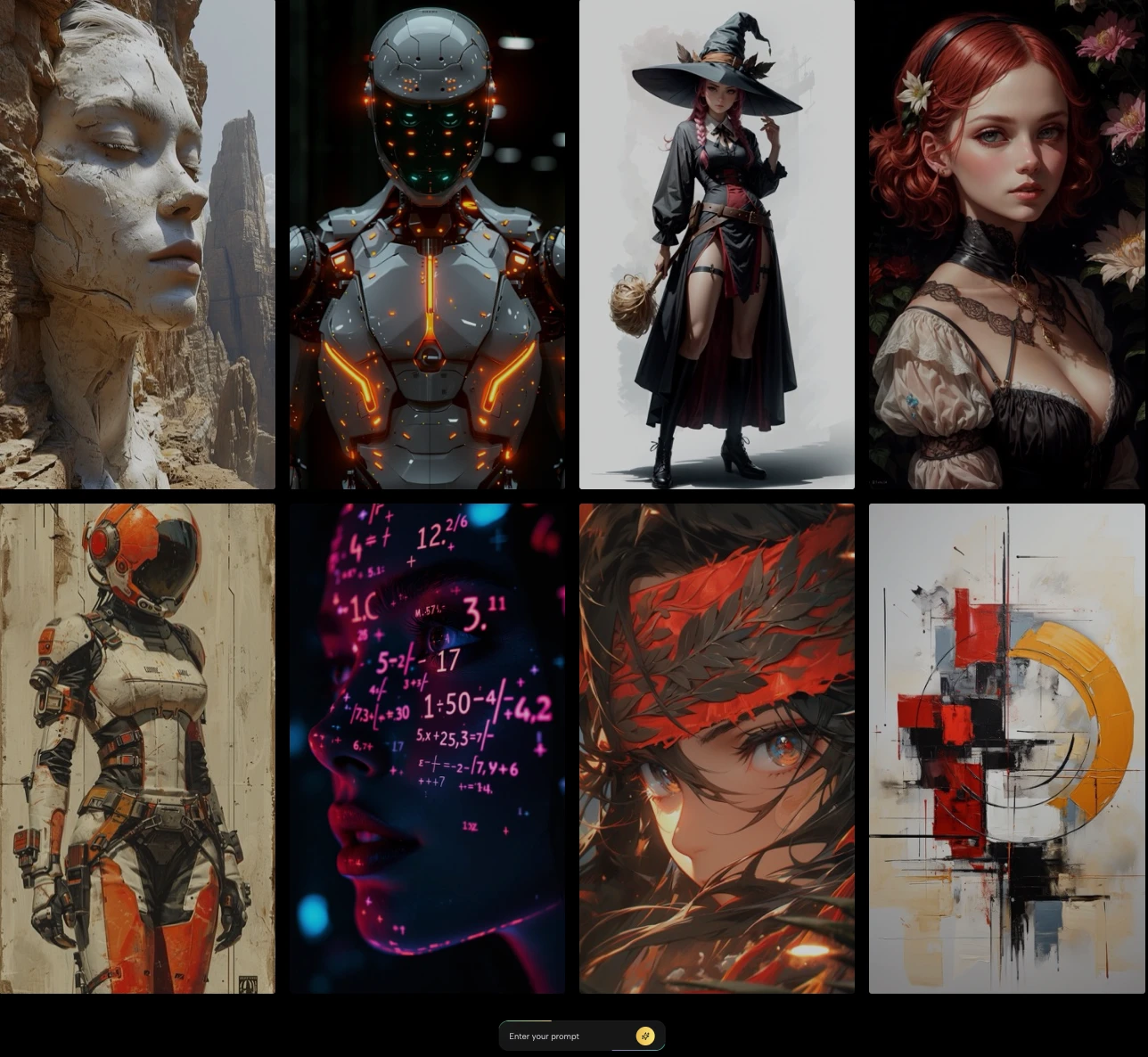
Before anything else, here’s what matters: the results. Kimg AI‘s Nano Banana model doesn’t just generate “good enough” images — it produces hyper-realistic visuals with accurate textures, controlled lighting, and strong style consistency.
- Product visualization from reference photos. Upload an existing product image, write a short prompt describing the scene or background, and the model renders a polished, market-ready result.
- Style transfer on demand. Want your product in a minimalist white-background shot? Or sitting on a rustic wooden table with soft warm lighting? You describe it, the model builds it.
- Character and visual consistency. For sellers with product lines or series, Nano Banana maintains visual continuity across multiple generated images — critical for brand cohesion across a storefront.
II. One Platform, Many Models — Test What Works Best
One of the most practical things about Kimg AI is that it isn’t locked into a single generation approach. The platform hosts multiple top-tier models under one roof — Nano Banana, Seedream, Flux, GPT Image, and Grok Imagine — so you can compare results across models without switching tools or accounts.
- Seedream is built for speed. Ideal when you need to churn out concept drafts fast before committing to a final visual direction.
- Flux excels at context-aware editing — if you need to swap out a background, change a label, or modify a specific element without touching the rest of the image, Flux handles that with precision.
- Grok Imagine and GPT Image round out the toolkit, giving you even more stylistic range depending on the look you’re going for.
Being able to test different models on the same product prompt in one session is genuinely useful. You see the differences side by side and pick what actually serves your listing.
III. From Still Image to Product Video — No Extra Software
Once you have a product image you’re happy with, Kimg AI takes it one step further. The platform integrates Veo 3, Google’s video generation model, which can transform a static product image into a short cinematic clip — complete with natural motion and auto-synced audio.
1. Why product videos matter for new sellers
Short-form video has become the default scroll experience on TikTok, Instagram Reels, and Amazon listings. A 5-second clip of your product in motion outperforms a static image in almost every engagement metric.
2. How it works
Generate your product image with Nano Banana, then pass it to Veo 3 within the same Kimg AI workflow. The model animates the scene with realistic physics and movement — no editing skills required.
3. Credits work across both
The same credits you receive for free on sign-up can be applied to Veo 3 video generation. You’re not locked into images-only usage; the freemium model covers both.
IV. Image Resolution: What’s Free and What’s Not
Kimg AI is transparent about its resolution tiers, which matters if you’re budgeting your usage:
- 1K resolution (1024×1024) is free with every generation. For most e-commerce thumbnails, category banners, and social media posts, this is more than sufficient.
- 2K and 4K resolution require a paid membership. These are worth it for print materials, large banner ads, or high-definition product zoom features.
For product listing images, 1K free generation delivers clean, usable output without any cost commitment upfront — a solid starting point for any new seller.
V. The Free Credit System — More Generous Than It Looks
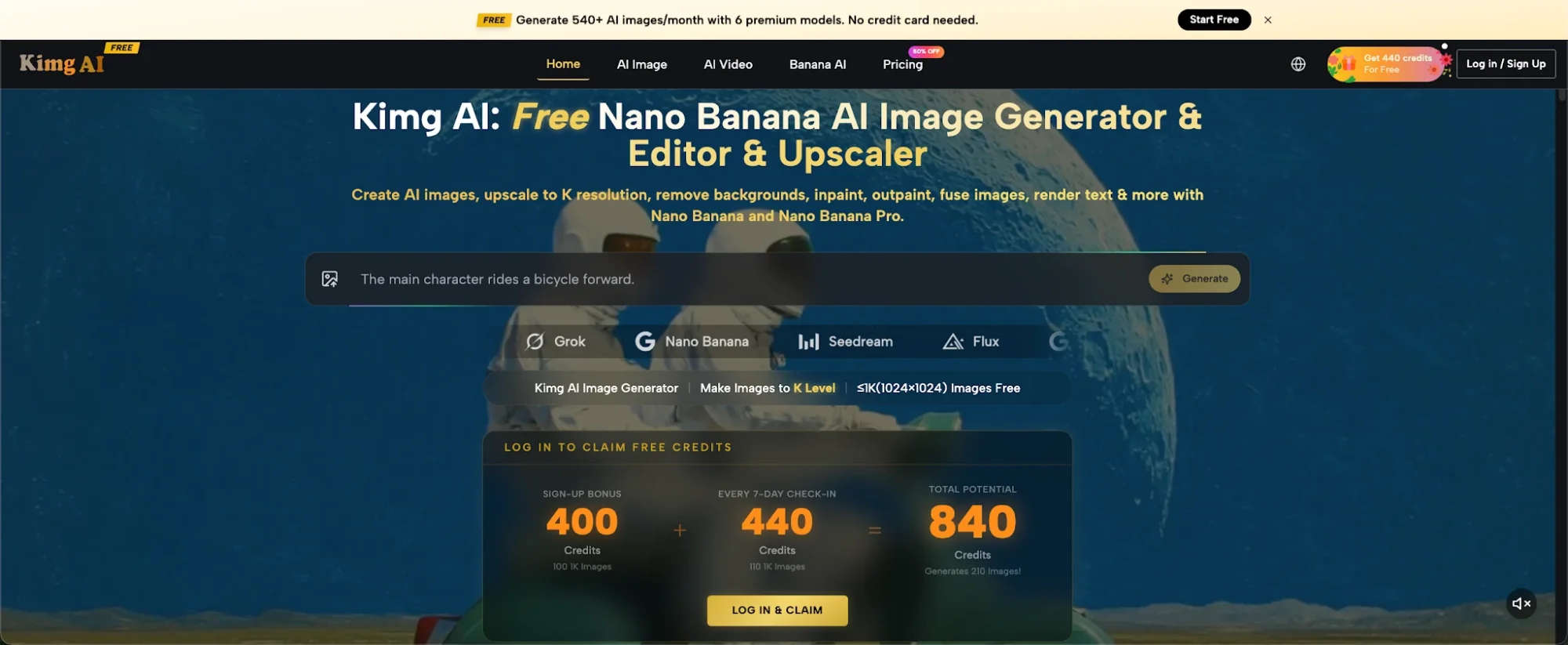
This is the part new sellers genuinely appreciate. Kimg AI doesn’t just offer a “free trial” — it gives you a structured, recurring credit system that you can actually build a workflow around.
1. Sign-up bonus: 400 credits
Create an account and you immediately receive 400 credits — no payment info required.
2. Weekly check-in bonus: 440 credits
Log in and check in for 7 consecutive days and you earn an additional 440 credits. That’s a total of 840 free credits just for showing up.
3. What 840 credits actually buys you
With 840 credits, you can generate over 200 images using Nano Banana and the other premium models on Kimg AI. For a new seller building out an initial product catalog, that’s enough to cover main listing images, lifestyle shots, and background variations for an entire small product range.
4. Ongoing free weekly credits
After that first week, the check-in system continues. Each week of consecutive sign-ins earns you 440 credits — roughly 110 free images per week on an ongoing basis. That’s a real, sustainable free-tier workflow, not a one-time teaser.
VI. Practical Workflow: From Zero to Product Listing Image
Here’s how a new seller would actually use Kimg AI in practice:
1. Sign up and collect your credits
Register for free, receive your 400 sign-up credits, and begin your 7-day check-in streak.
2. Upload your product reference
Take a basic photo on your phone — doesn’t need to be good — and upload it as a reference image. Nano Banana supports up to 4 reference images, so you can provide multiple angles for better accuracy.
3. Write your prompt
Describe the scene you want: background, lighting style, atmosphere. Be specific. “White seamless background, soft shadow, product centered, e-commerce style” will get you far.
4. Select your model and generate
Choose Nano Banana for hyper-realistic output, or try Seedream if you want faster iteration across multiple concepts. Both live inside the same Kimg AI interface.
5. Animate if needed
Happy with a shot? Send it to Veo 3 and generate a short product clip for your social channels — same platform, same credit balance.
VII. Conclusion: The Playing Field Just Got Flatter
The gap between a polished product listing and a scraped-together one used to come down to budget. That’s no longer true. Tools like Kimg AI — with Nano Banana AI doing the heavy lifting on image quality — have quietly removed one of the most expensive friction points in early-stage e-commerce.
But beyond the cost savings, what this really represents is a shift in who gets to look credible online. A solo seller with a great product and no photography budget can now compete visually with established brands. That’s not a small thing.
The store you’ve been putting off because “the visuals aren’t ready” — it’s ready now. Sign up, collect your free credits, and start generating. Your first product images could be live before the end of today.

⚡ Baca Lebih Cepat Artikel MMI di Ponsel Anda!
Ikuti Channel WhatsApp
Media Mahasiswa Indonesia (MMI):
KLIK DI SINI